Switching from Android to iOS in 2026
Upgrading from an Android smartphone to an Apple iPhone is exciting, but the prospect of moving years of WhatsApp conversations, high-resolution photos, and contacts can feel daunting. Shady software companies charge ₹2,000+ for "transfer tools" that often fail or leak personal data.
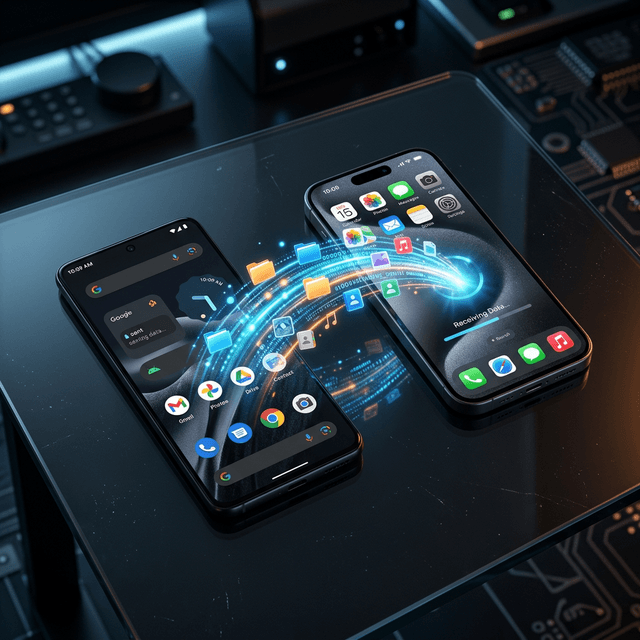
Apple and Google now support seamless, direct wireless migration without paying a single rupee. Here is your complete step-by-step walkthrough.
Phase 1: Essential Pre-Transfer Checklist
- Charge Both Devices: Ensure both phones have at least 70% battery or keep them connected to power chargers.
- Connect to the Same Private Wi-Fi Network: Both phones must be on the same local Wi-Fi router (avoid public hotspots).
- Update WhatsApp on Android: Open the Google Play Store and update WhatsApp to the latest version.
- Ensure iPhone is on Setup Screen: Data transfer using Apple's official method must occur during the initial iPhone setup. If your iPhone is already set up, you must erase it via Settings > General > Transfer or Reset iPhone > Erase All Content.
Phase 2: Use Apple's Official 'Move to iOS' App
- On your Android phone, download and install Move to iOS from the Google Play Store.
- Power on your new iPhone and begin the setup wizard. Connect to Wi-Fi.
- When you reach the Transfer Your Apps & Data screen, select From Android.
- A 6-digit or 10-digit code will appear on the iPhone screen.
- Open the Move to iOS app on your Android, accept terms, and enter the code.
- The iPhone will generate a temporary private Wi-Fi hotspot; tap Connect on your Android device.
Phase 3: Transferring WhatsApp Chats & Media (Crucial Step)
- On the Transfer Data checklist screen, select WhatsApp.
- A WhatsApp transition screen will open on your Android phone. Tap Start to package your encrypted chat database.
- Select Photos, Contacts, Messages, Google Account, and Display Settings.
- Tap Continue. Keep both phones side-by-side until the progress bar reaches 100%.
Phase 4: Post-Transfer Setup on iPhone
- Complete your Apple ID setup on the iPhone.
- Open the App Store and download WhatsApp.
- Enter the exact same phone number used on Android.
- When prompted with Move Chats from Android, tap Start and allow permissions. All individual and group chats will restore with complete media.
Troubleshooting Common Transfer Glitches
| Common Issue | Root Cause | Instant Solution |
|---|---|---|
| Transfer Stuck at 99% | Large video files processing | Do not cancel; wait 15 minutes for indexing. |
| Wi-Fi Disconnects | Android 'Smart Network Switch' | Turn off Mobile Data and Airplane Mode on Android. |
| WhatsApp Chats Missing | Different phone number used | Must register WhatsApp with the identical phone number. |
Ready for Your Upgrade?
Now that you know how easy it is to switch platforms, find your next Apple device at a fraction of retail price. Explore verified used iPhones in Delhi NCR with doorstep 16-point check on Handovr.