The Duplicate Display Epidemic in Used iPhones
When purchasing a pre-owned iPhone in India, the single most common repair fraud is a third-party duplicate display replacement. Genuine Apple OLED screens are costly, so informal sellers often swap broken screens with cheap aftermarket parts (known as Incell, TFT, or copy OLED panels).
These fake screens cause sluggish touch response, battery drain, washed-out colors, and lack True Tone. Here is how you can spot a fake screen in under 5 minutes.
5 Definitive Tests to Spot a Fake Display
1. The 'Pure Black' Room Test
OLED displays work by turning off individual pixels completely when displaying black, creating true zero-luminance pitch black. Duplicate screens are often cheaper LCDs that rely on a continuous LED backlight.
- Turn off the room lights or step into a dim corner.
- Open a full-screen pure black image (or watch a letterboxed YouTube video).
- If the black bars emit a faint greyish glow, the screen is an aftermarket LCD, not an original OLED.
2. The Bottom Bezel & Chin Measurement
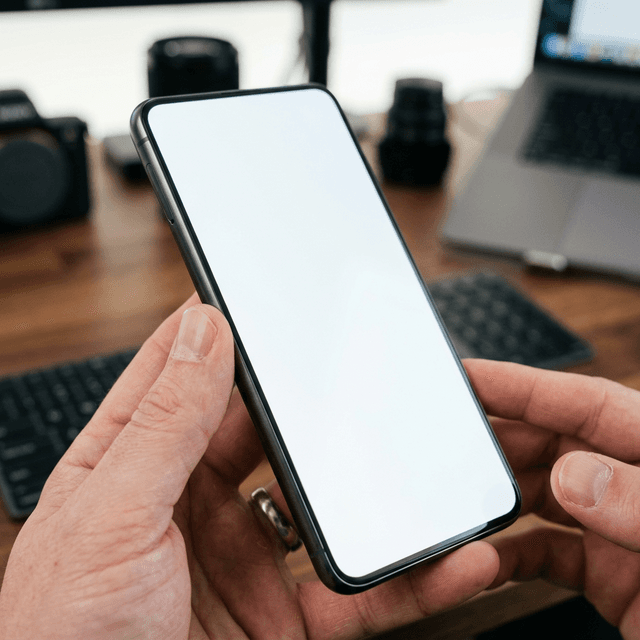
Original Apple OLED screens use flexible substrate technology folded under the bottom edge, creating perfectly symmetrical, razor-thin bezels on all four sides. Aftermarket replacement screens cannot replicate this and have a noticeably thicker "chin" at the bottom.
3. The True Tone Sensor Check
True Tone dynamically adjusts display white balance according to ambient room lighting. When a screen is swapped without specialized EEPROM serialization programmers, True Tone is permanently disabled.
- Swipe down Control Center and long-press the brightness slider.
- Check if the True Tone button appears in the bottom right corner. If missing, the screen has been replaced.
4. The Polarized Sunglasses Test
Wear polarized sunglasses and look at the iPhone screen in portrait orientation, then rotate the phone 90 degrees to landscape:
- An original OLED screen remains crystal clear with minimal color distortion at all angles.
- A cheap aftermarket screen will turn completely black or exhibit purple/green rainbow interference patterns.
5. iOS Parts and Service History Check
On iOS 15.2 and later, navigate to Settings > General > About. If a screen has been replaced with a non-genuine part, Apple displays a warning: "Important Display Message — Unknown Part".
Why Handovr Guarantees OEM Displays
At Handovr, our technicians use optical colorimeters and diagnostic tools to verify original display glass, True Tone calibration, and digitizer latency on every single device. Shop verified pre-owned iPhones in Delhi NCR with guaranteed OEM displays.